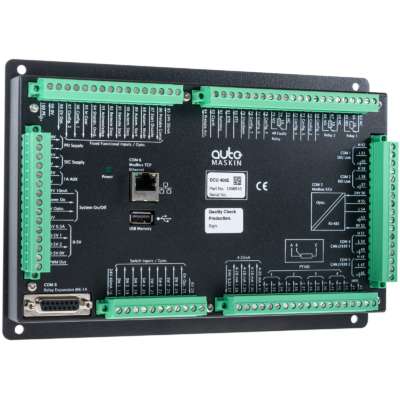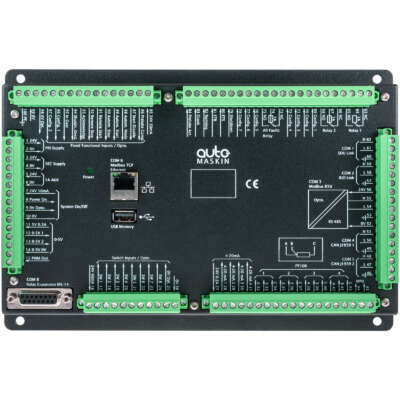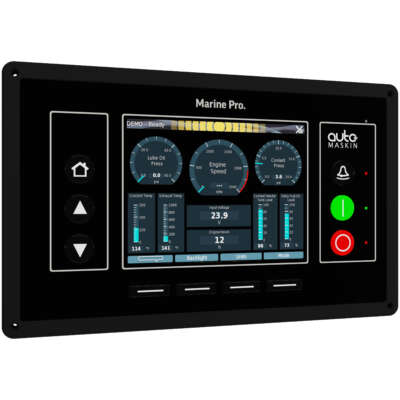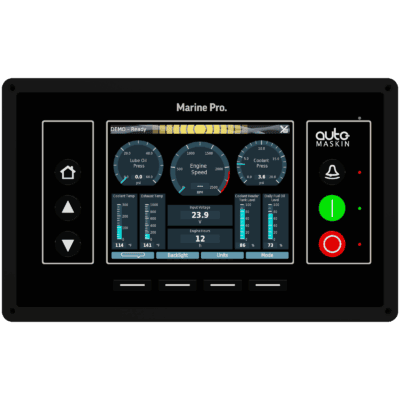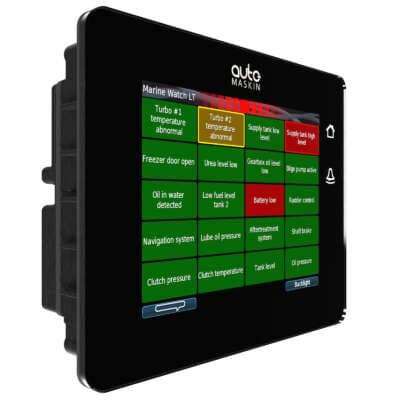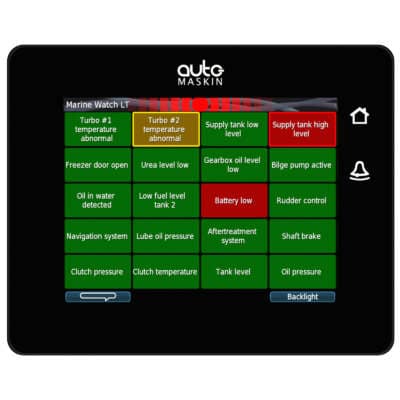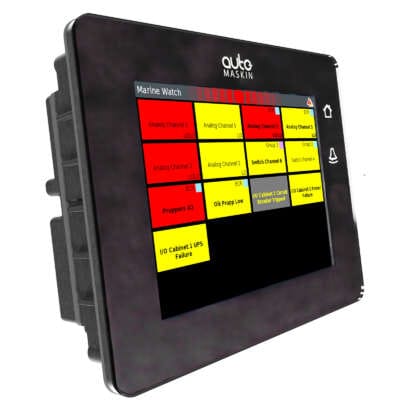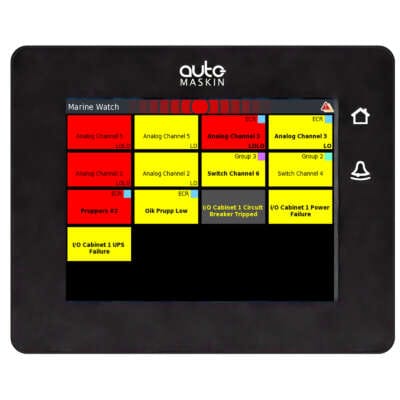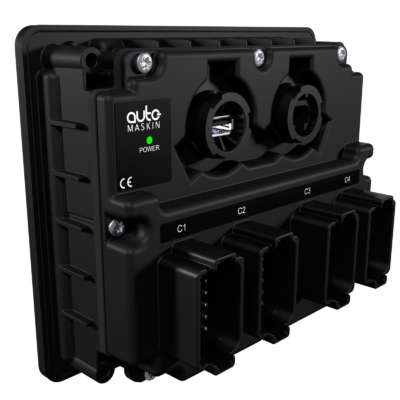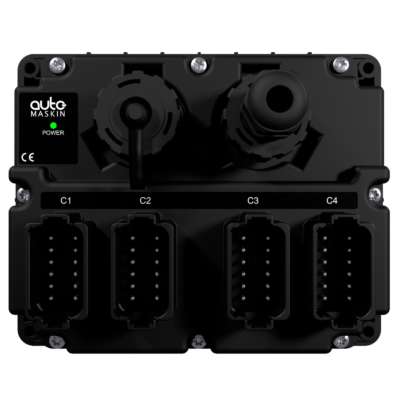



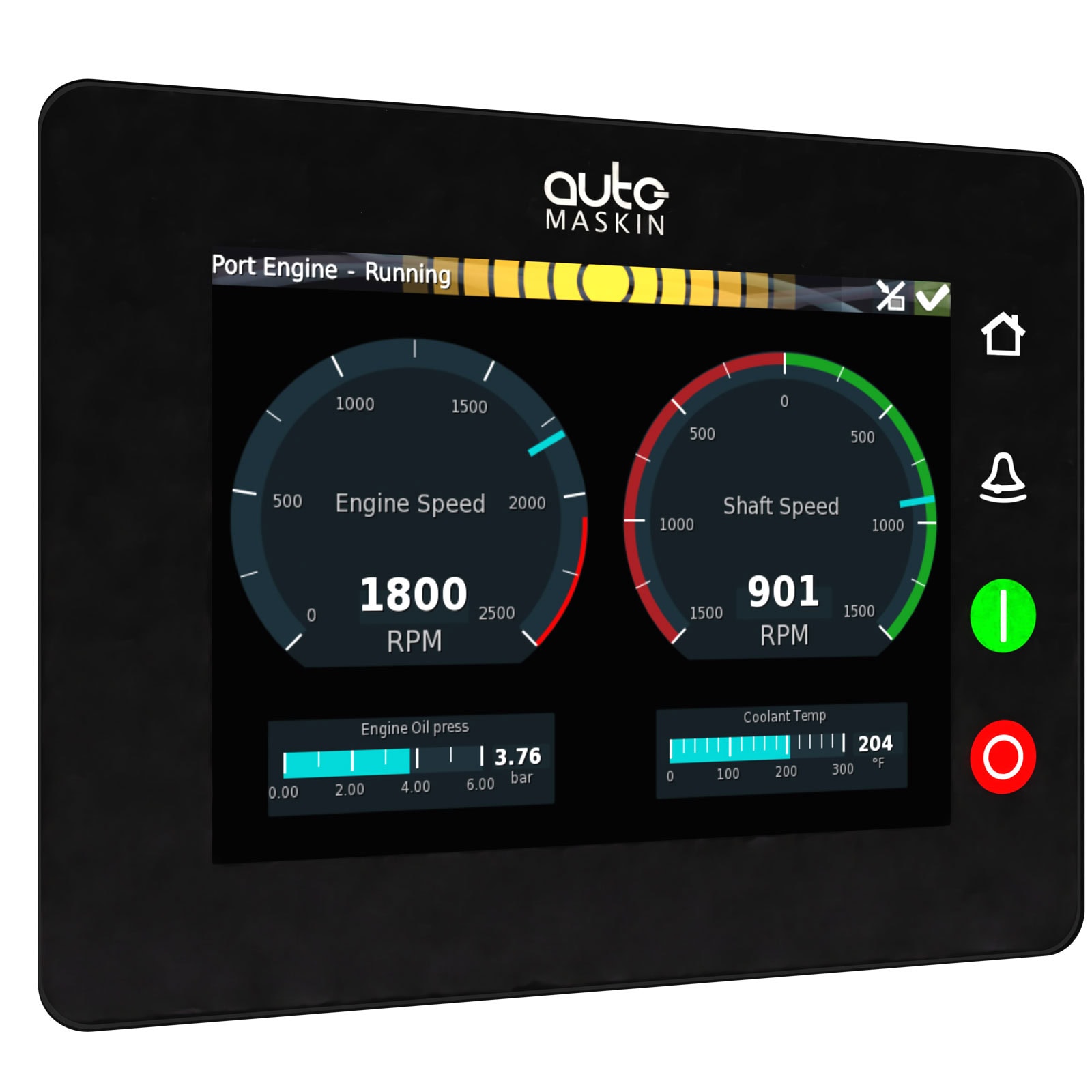
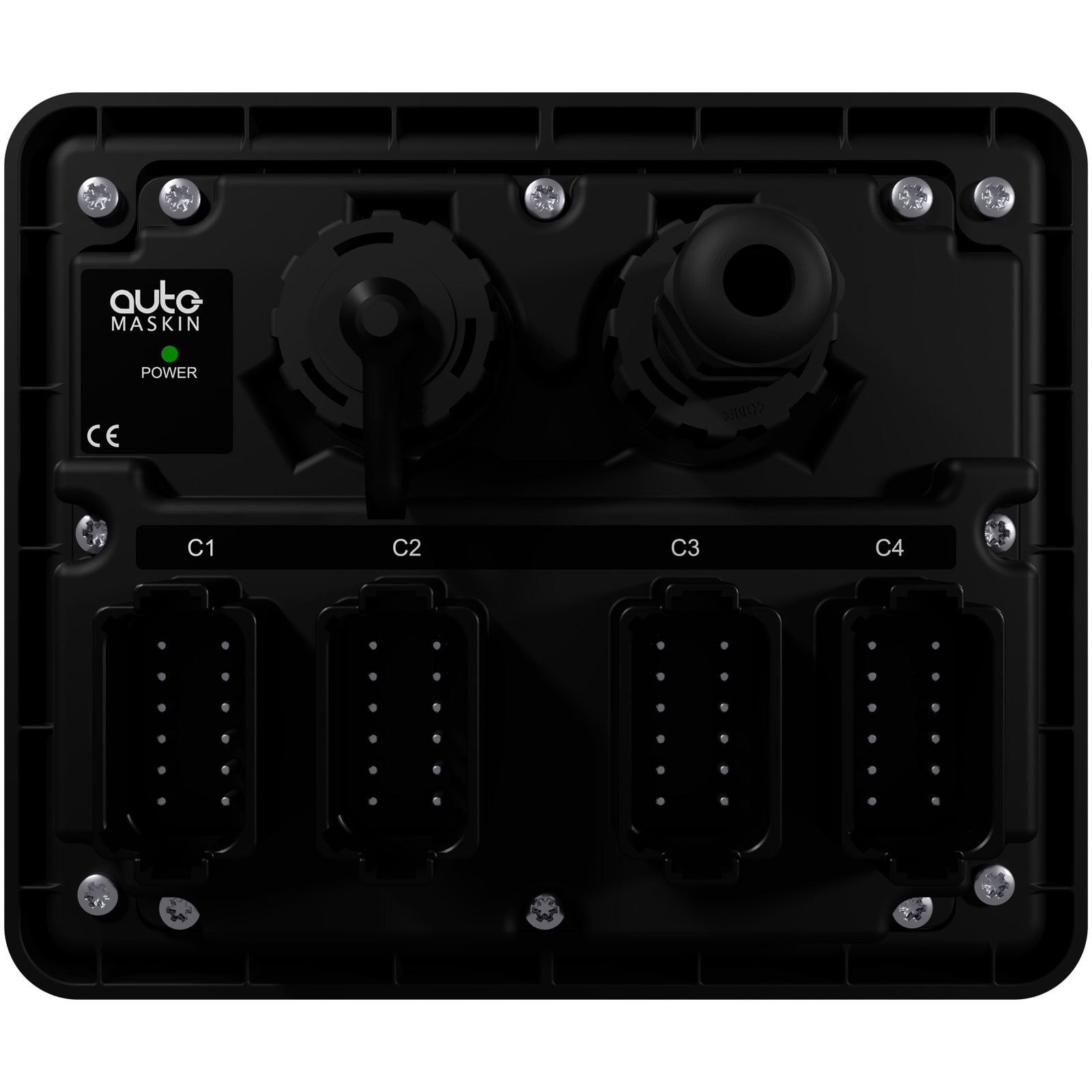
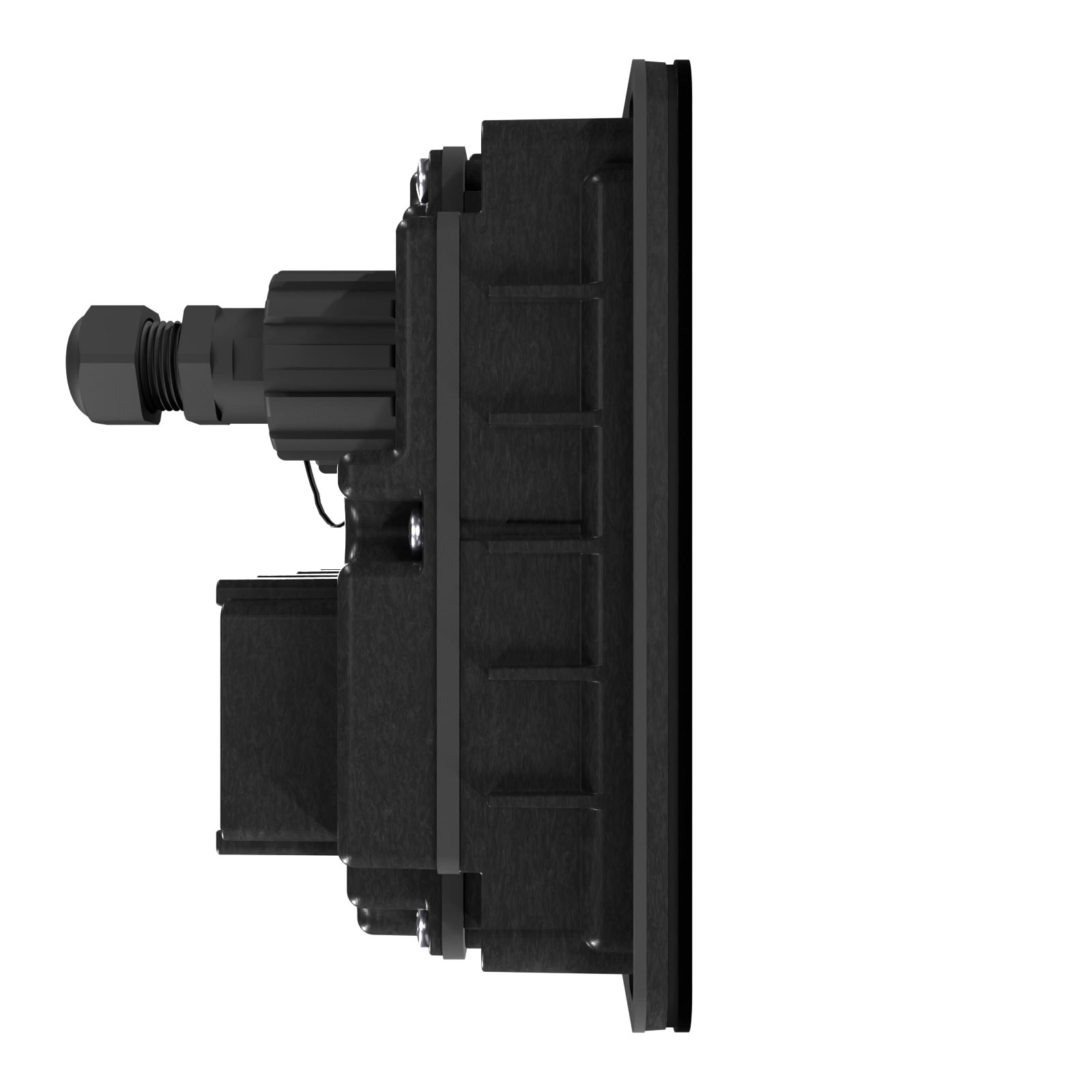
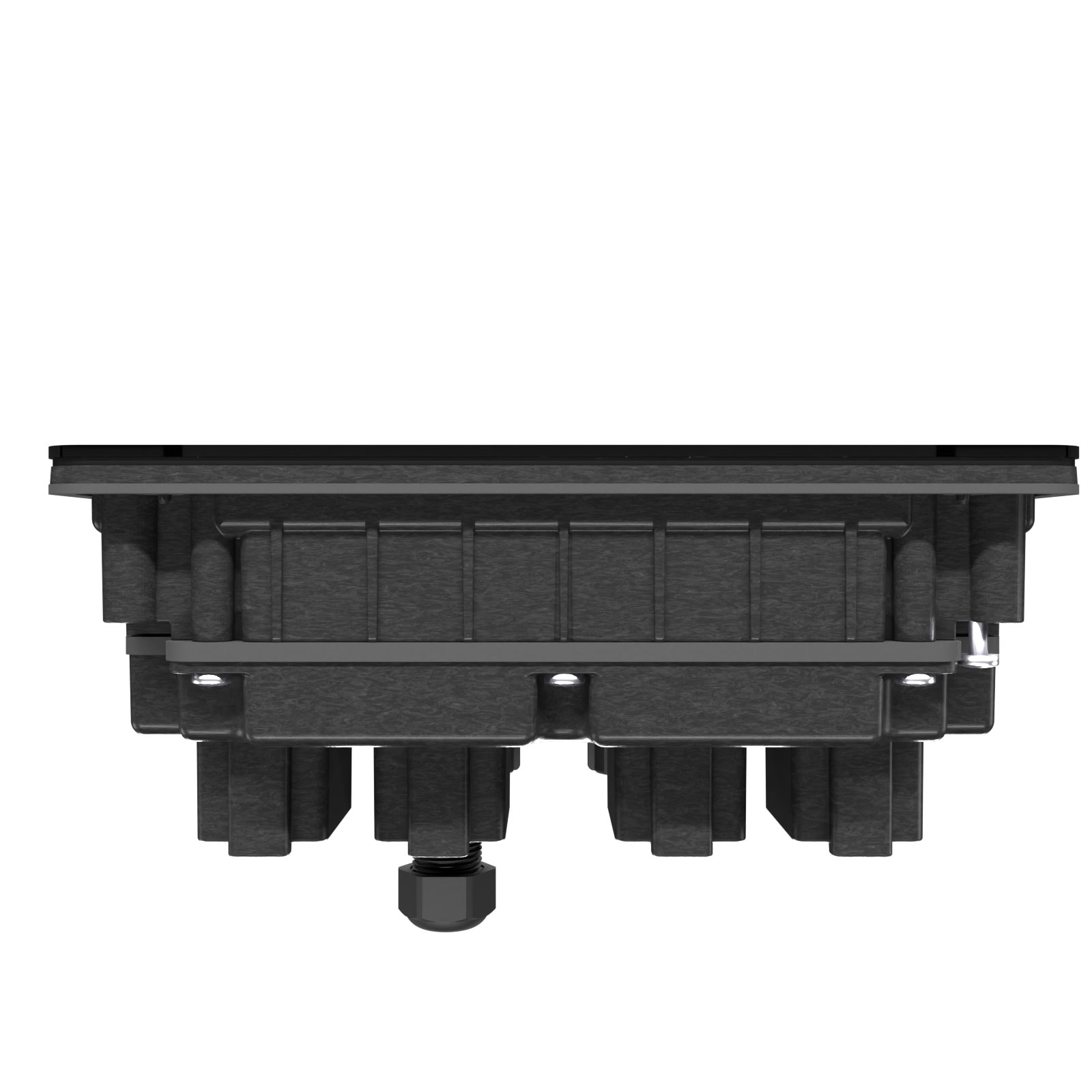
The DCU 210E is a complete, standalone engine supervision unit, with a daylight-capable and responsive touch screen, IP56 environmental protection front and rear, and configurable input and output channels.
DCU 210E Engine Controller
Description


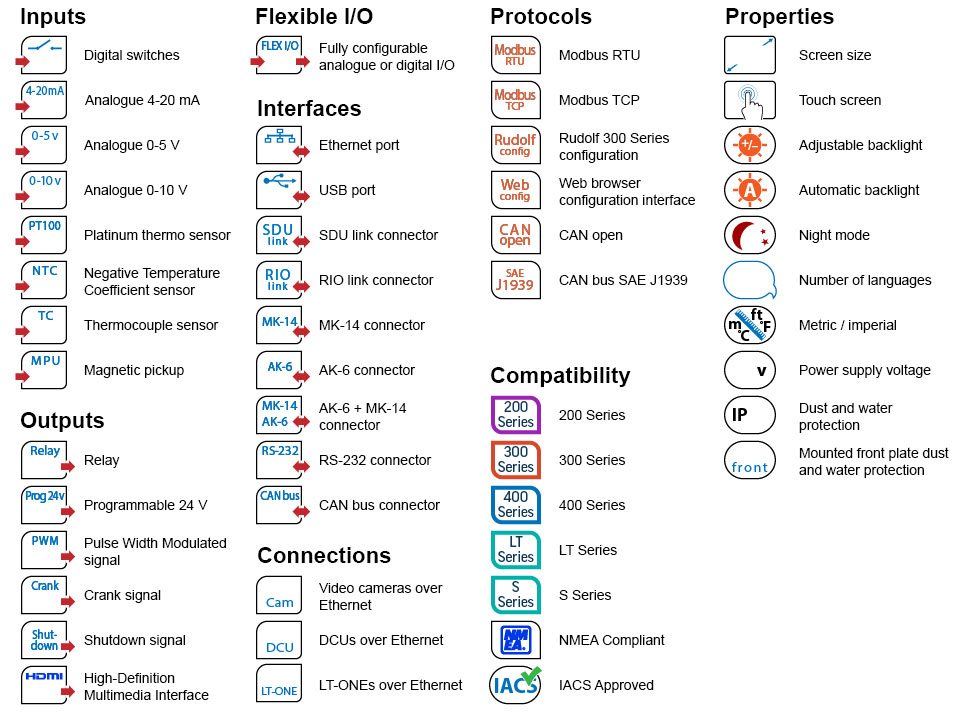
At a glance
Why choose the DCU 210E
The DCU 210E is a complete, standalone engine supervision unit, with a daylight-capable and responsive touch screen, IP56 environmental protection front and rear, configurable input and output channels and a fast CPU.
The design is modern, effective and provides installation possibilities in all outdoor and exposed locations.
Using the high resolution colour touch screen, the operator can easily browse instrument screens, alarm lists and menus available in pre-loaded languages. Additionally, dedicated start/stop, home and alarm acknowledge buttons have been provided to make operation even more intuitive.
The unit is optimized for today’s electronic engines and gearboxes with two J1939 interfaces, and the 19 fully configurable inputs allows a wide variety of sensor inputs from older mechanical engines and transmissions. Suitable for both 12- and 24V DC installations.
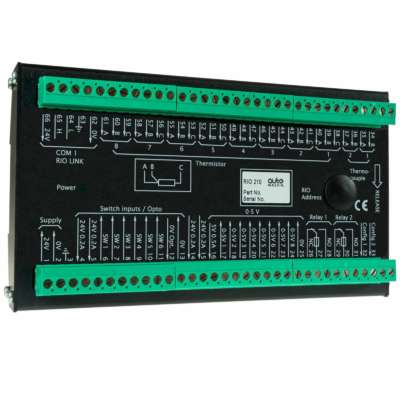
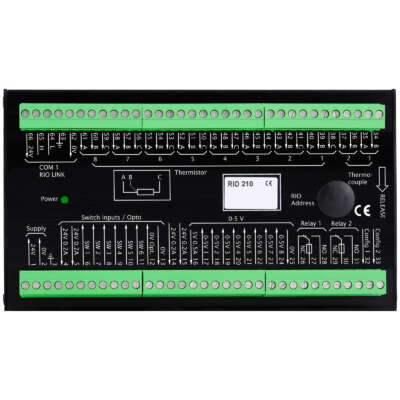
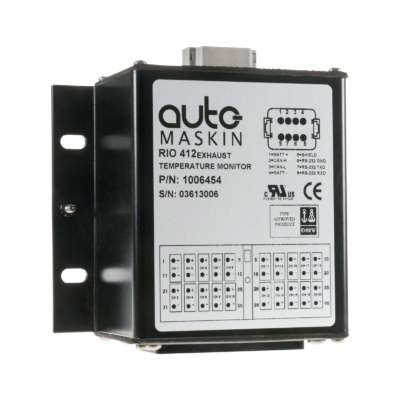
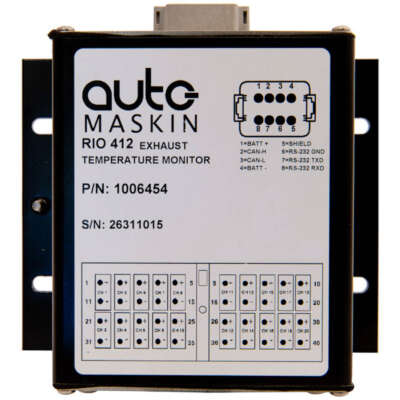
In larger projects, the unit can be expanded with additional inputs using the built-in RIO link. There is also a module available that links in generator AC parameters. These inputs need not be just engine parameters but inputs from any Engine Room system are possible. With the built in web server and the internet browser on your laptop or portable device, the DCU 210E can be easily configured.
Modbus communication is available on RS-485 and on Ethernet as Modbus TCP as standard. A configuration or firmware file can easily be up or downloaded into the unit, semi-automatically, by inserting a USB memory stick into the provided port, eliminating the need for any tooling or software, and providing field updating and installation by unskilled operators.
DCU 210E is fully prepared for remote panel integration and works seamlessly with the Auto-Maskin remote panel(s) and the Marine Broadcast, a cloud-based service giving users on any remote device running a standard web browser access to the alarm list of the connected vessel.
Note!
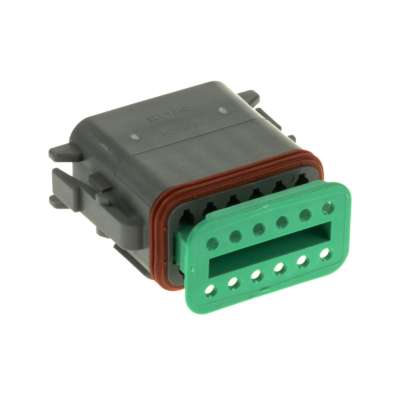
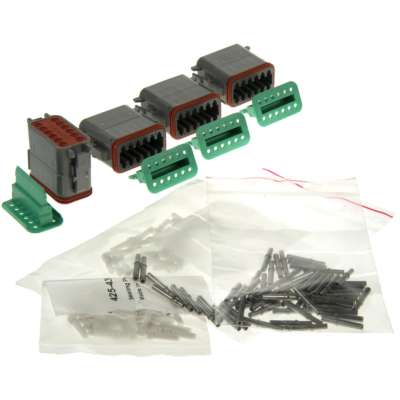
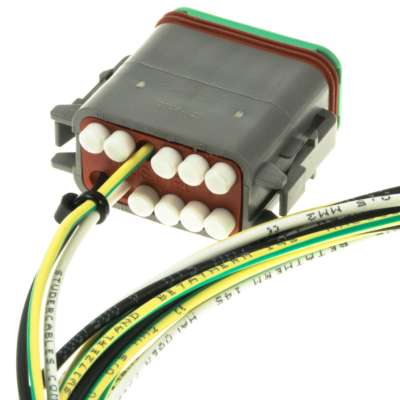
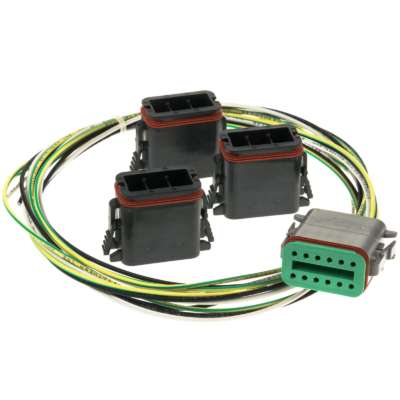
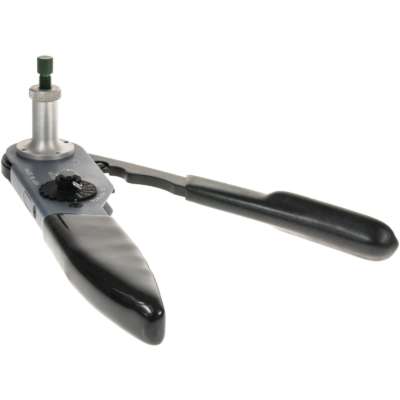
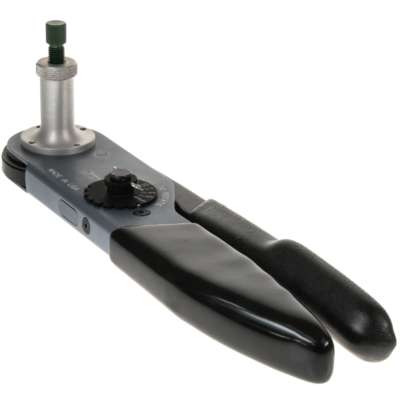
A Connector Kit (P/N: 1006479) including four Deutsch DT-connectors, crimp sockets and sealing plugs is available and if needed this must be ordered separately.
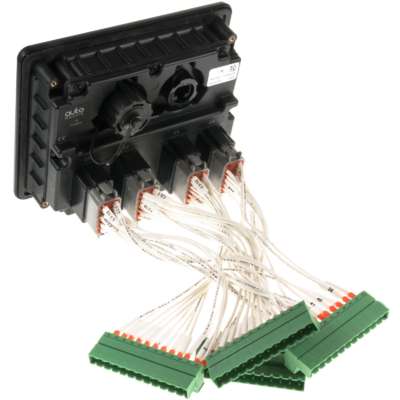
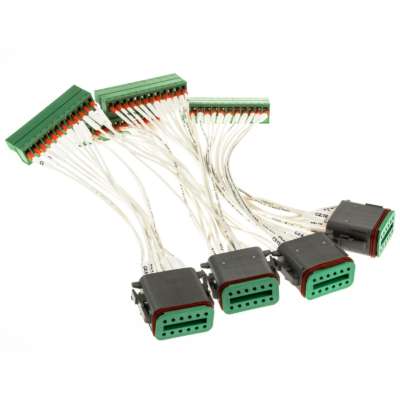
If purchased as a replacement for a classic DCU 210, a Harness Conversion Kit (P/N: 1006945) with four Deutsch DT-connectors prewired to four DCU 200-series connectors for easy installation.
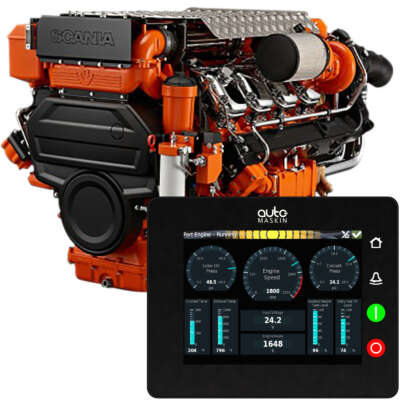
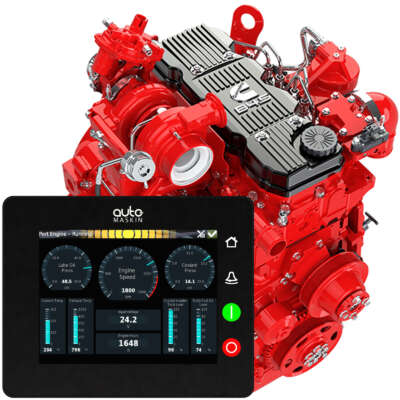
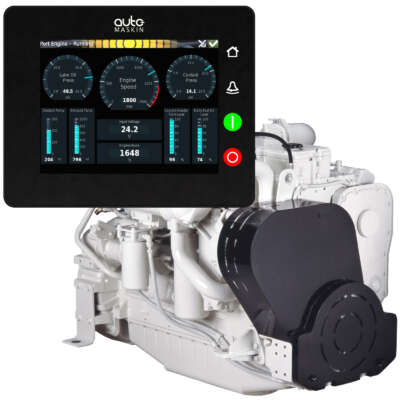
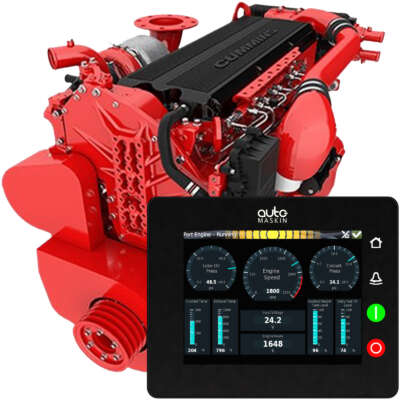
The fastest install there is: Installation of the DCU 210E Engine Controller is even quicker with ProConnect harnesse kits prepared for specific engine models with all necessary and some optional connectors, ready configuration files and even a key switch.
The fastest install there is
Installation of the DCU 210E Engine Controller is even quicker with the ProConnect harness kits prepared for specific engine models with all necessary and some optional connectors, ready configuration files and even a key switch.
ProConnect kits will be made available for more engine brands and models based on demand. Please send a request for any additional engine models.
Compatible remote panels
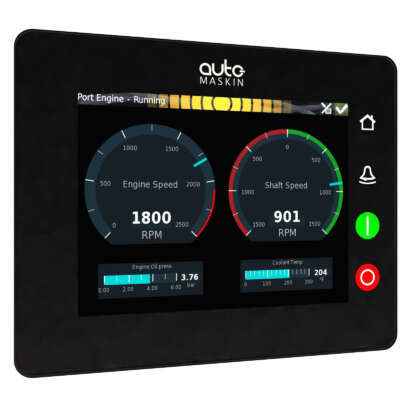
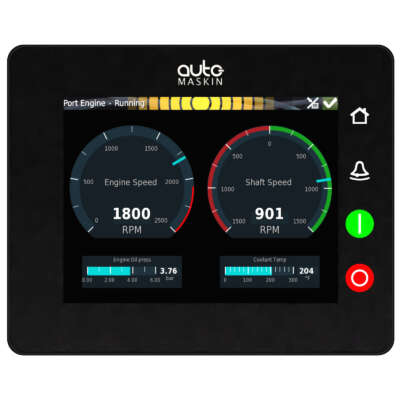


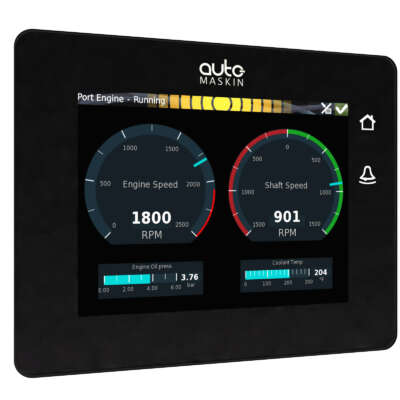
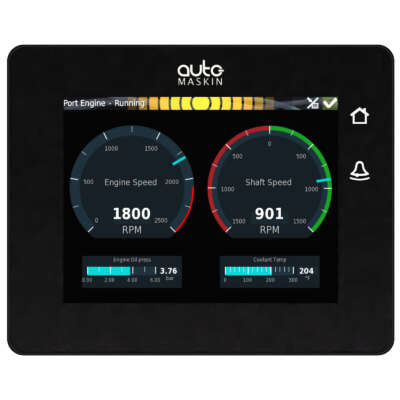
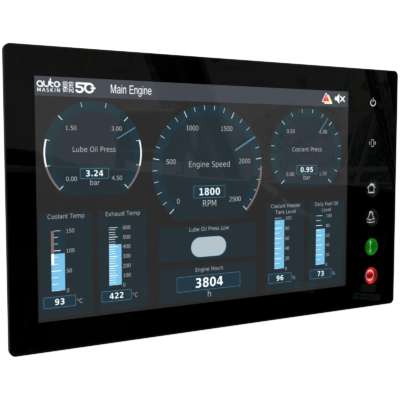
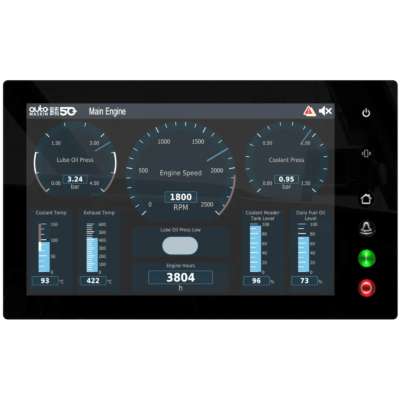
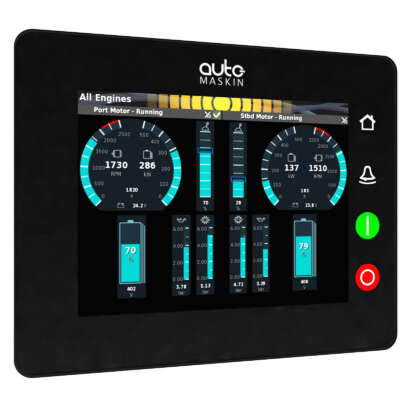
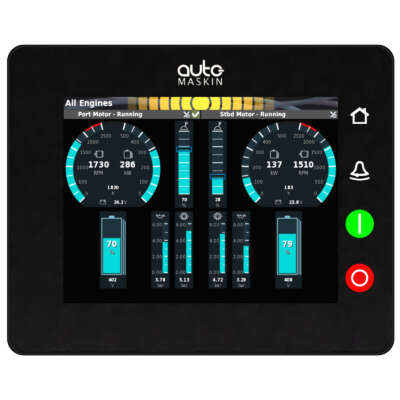
Note! If replacing an old DCU with a new it is recommend to update the RP Firmware as well or make sure it is at the same or higher level than the DCU.
Legacy Remote Panels
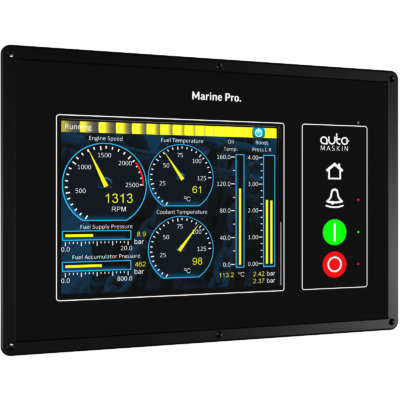
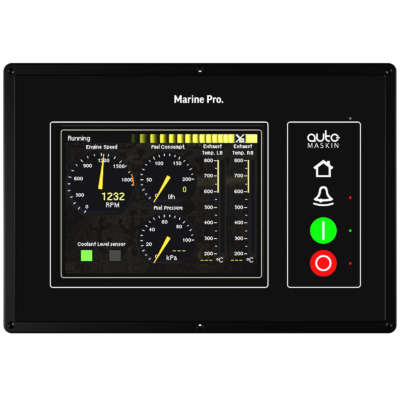
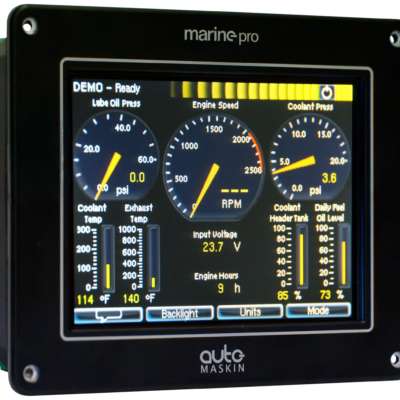
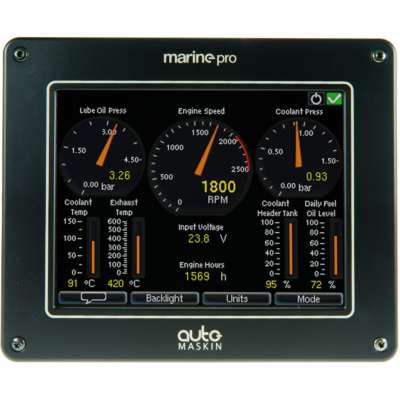
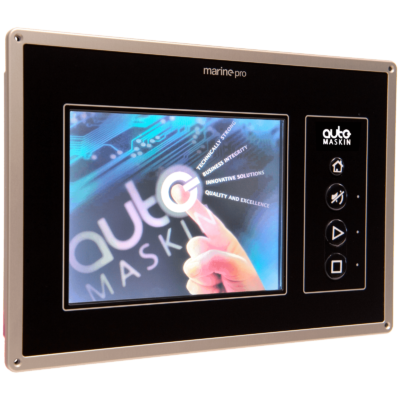
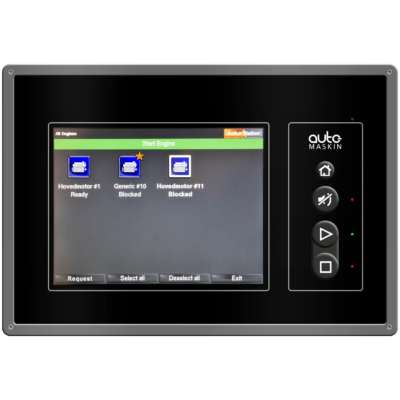
Note! If combining a new E-Series DCU with an old Legacy Remote Panel it is recommend to retrieve and use the old DCU Configuration file in order to avoid unknown messages displayed at the Remote Panel. In addition it is recommend to update the Remote Panel Firmware to the latest revision available.
Expansion I/O
Safety Modules
Accessories

Additional information
| Size | w 162 x h 130 x d 67mm |
|---|---|
| Cut out | w 155 x h 123 mm, Access depth 90 mm |
| Screen | 262144 colors, 5.7", Resolution 640 x 480 pixels |
| IP | IP56 |
| Power Supply | 24/12 VDC, Min 8 VDC, Max 32 VDC |