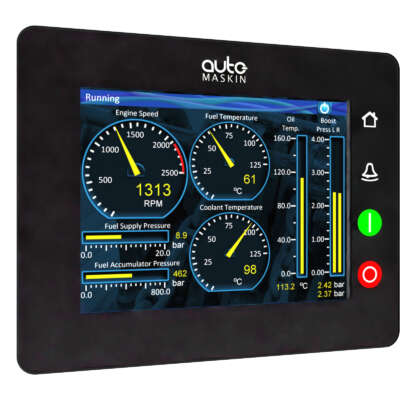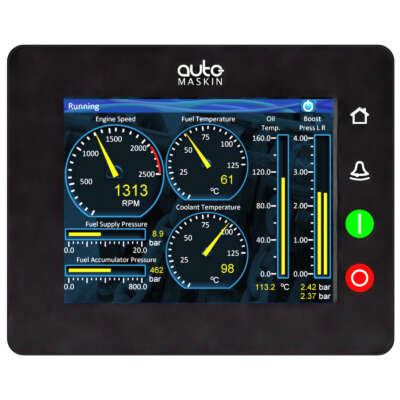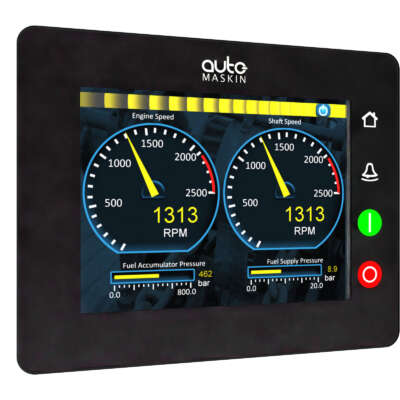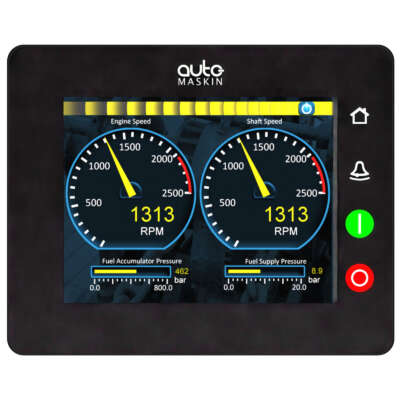


Compact, Capable, Perfect
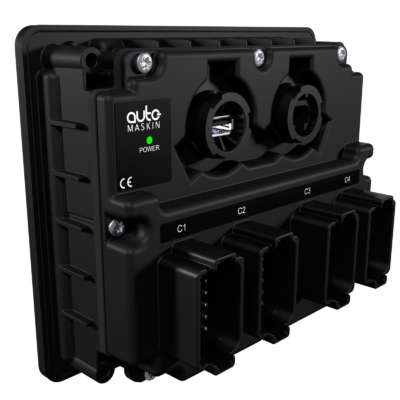
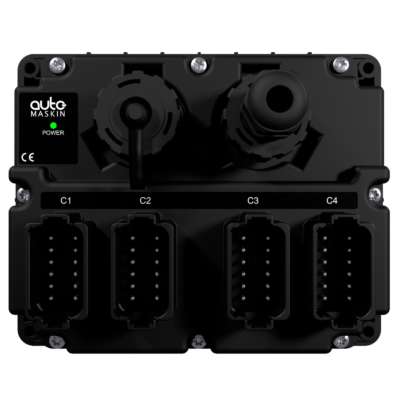
The Marine Pro 200 Series provides the latest in technology and capability to diesel engine users and specifiers. Auto-Maskin provides a series of modern, value-added, integrated products that allow crews to operate equipment safely, cost-effectively and intuitively well.
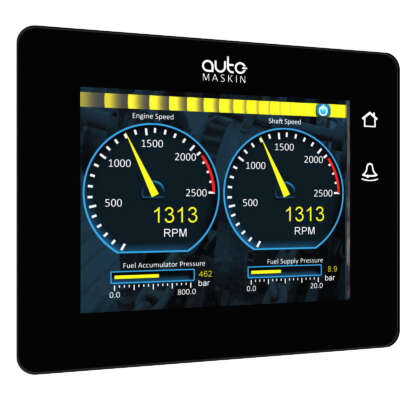
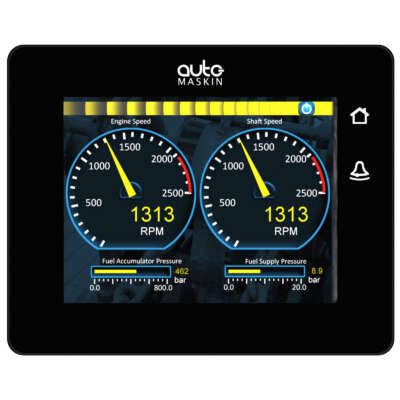
The Marine Pro 200 Series also provides owners with the compliance, accountability and traceability required in today’s operating and chartering environments. Functions and information are readily available to an operator from a single home screen, with additional features and actions in customizable screens and locations. Installation and commissioning are made easy by the Ethernet architecture which means literally “Plug & Play” connectivity over standard cabling.
The core engine controller [ DCU] is complemented with a range of add-on remote panels, functional modules and other accessories to allow for any installation, be it propulsion or generating set, to be achieved quickly, with low technical and compliance risk.
To further ease planning and installation, check out the ProConnet kits for select engine types, each an engine panel with a complete harness with all plugs needed, a key switch and a pre-defined configuration.